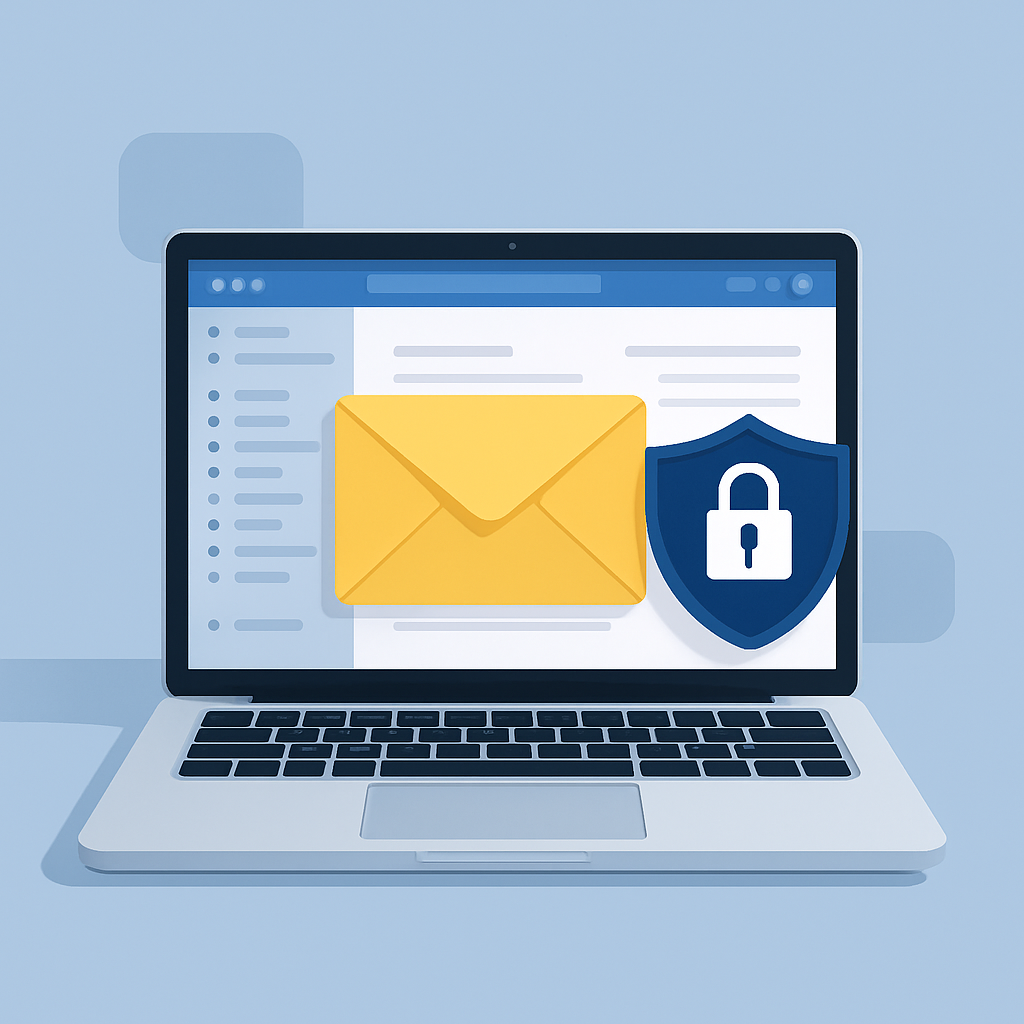
For many small businesses, email security does not require a complicated enterprise system to get started. It begins with smart settings, employee awareness, strong passwords, and reliable monitoring. The right approach helps reduce risk while keeping communication simple and productive.
Why Email Security Matters for Small Businesses
Cybercriminals often target small businesses because they expect weaker security, limited IT support, and busy teams that may not have time to inspect every message closely. A single malicious email can lead to a compromised account, exposed customer information, unauthorized wire transfers, or infected devices.
Common email threats include phishing messages that pretend to be from trusted companies, fake invoices, password reset scams, malicious attachments, and business email compromise attempts. These attacks are designed to look normal at first glance, which is why prevention and training are both important.
Strong email security helps protect your business reputation, customer trust, internal communication, financial information, and day-to-day operations.
Email Security Basics for Small Business Owners
A strong email security plan starts with a few practical fundamentals. Every business should use strong, unique passwords for email accounts and require multi-factor authentication whenever possible. Multi-factor authentication adds a second step when logging in, making it much harder for an attacker to access an account with only a stolen password.
Your email system should also include spam filtering, malware scanning, and phishing protection. These tools help block suspicious messages before they reach employees. While no filter catches everything, a secure configuration reduces the number of risky emails your team has to evaluate manually.
It is also important to keep employee accounts organized. Former employees should have access removed promptly, shared mailboxes should be limited, and administrator permissions should only be given to people who truly need them.
Train Employees to Recognize Phishing Emails
Technology is important, but your team is often the last line of defense. Employees should know how to recognize warning signs in suspicious emails, including unexpected attachments, urgent payment requests, misspelled domains, unusual sender addresses, and messages asking for passwords or sensitive information.
Phishing emails often create pressure by claiming something must be done immediately. They may pretend to be from a bank, vendor, delivery company, software provider, or even someone inside your business. A good rule is to verify unusual requests through a separate communication method, such as a phone call or known contact number.
Regular reminders and simple examples can make a major difference. Email security training does not need to be overwhelming—it should be clear, practical, and repeated often enough to stay top of mind.
Use Multi-Factor Authentication and Strong Password Policies
Passwords alone are no longer enough for business email security. If an employee reuses a password from another site and that site is breached, attackers may try the same password on your email system. Multi-factor authentication helps prevent that from becoming a full account takeover.
Strong password practices include using long passwords or passphrases, avoiding reused passwords, and storing credentials in a trusted password manager. Employees should never share passwords through email, chat, or spreadsheets.
Business owners should also review administrative accounts carefully. Admin accounts should have the strongest protection because they can control settings, access data, and manage other users.
Secure Devices That Access Business Email
Email security is not limited to the inbox. Any device that connects to business email can become a risk if it is outdated, infected, or lost. Laptops, phones, tablets, and desktop computers should be protected with security updates, screen locks, antivirus or endpoint protection, and encryption where appropriate.
If employees use personal devices for work email, your business should have clear rules for access. This may include requiring device passcodes, remote wipe capabilities, approved apps, and minimum security standards.
Keeping devices updated is one of the simplest ways to close known security gaps. Delayed updates can leave your business exposed to threats that already have available fixes.
Protect Sensitive Information Sent by Email
Not every type of information should be sent through standard email without protection. Customer records, financial documents, tax forms, employee information, passwords, and confidential business files may require additional safeguards.
When sensitive information must be shared, consider secure portals, encrypted email, password-protected files, or approved file-sharing systems. Your team should understand what can be sent through regular email and what needs a more secure method.
It is also wise to be cautious with auto-forwarding rules. Attackers who gain access to an inbox may create hidden forwarding rules to send copies of emails to an outside account. Periodic reviews can help identify suspicious settings.
Back Up Email and Prepare for Account Recovery
Even with strong security, mistakes and incidents can happen. Email backups help protect against accidental deletion, ransomware, account compromise, and data loss. Many businesses assume their email provider automatically protects everything indefinitely, but retention and recovery options vary.
A backup strategy should include important mailboxes, business-critical files, and clear recovery procedures. If an account is compromised, your business should know how to reset passwords, revoke active sessions, review forwarding rules, restore data, and notify affected parties if needed.
Having a response plan in place reduces confusion and helps your business act quickly when time matters.
When to Get Professional Help With Email Security
Small business email systems can become more complex as your company grows. Multiple users, remote access, compliance requirements, shared mailboxes, cloud storage, mobile devices, and vendor communication all increase the need for proper setup and monitoring.
Professional IT support can help configure secure email settings, implement multi-factor authentication, review permissions, set up filtering, train employees, monitor threats, and create backup and recovery procedures. This gives business owners more confidence that email security is being handled proactively rather than reactively.
Frequently Asked Questions
What is the most important email security step for a small business?
Multi-factor authentication is one of the most important first steps. It adds an extra layer of protection if a password is stolen or guessed. Strong spam filtering, employee training, and password management are also essential.
How often should employees receive phishing training?
Employees should receive training when they start and periodic refreshers throughout the year. Short, practical reminders are often more effective than one long session.
Is business email more secure than free personal email?
Business email platforms typically offer better administrative controls, security settings, account management, and compliance options than free personal email accounts. However, they still need to be configured and monitored properly.
Should small businesses encrypt email?
Email encryption is useful when sending sensitive information such as financial records, legal documents, employee data, or customer information. The right solution depends on your industry, workflow, and security requirements.
What should I do if an employee clicks a suspicious email link?
The employee should report it immediately. The account password may need to be changed, active sessions revoked, the device scanned, and email rules reviewed. Quick action can help limit potential damage.
Keep Your Business Email Protected
Your Expert Tech helps small businesses strengthen email security with practical solutions that fit real-world operations. From multi-factor authentication and phishing protection to secure configuration, monitoring, and user support, our team can help reduce risk and keep your business communication protected.
If you are ready to improve email security for your business, contact Your Expert Tech today to schedule a consultation.nnRecommended Related Resourcesnn- email security basics for small business owners: https://www.yourexperttech.net/security-form-submission/n- email security basics for small business owners: https://www.yourexperttech.net/security-contact-form/n- email security basics for small business owners: https://www.yourexperttech.net/security-services/