At Your Expert Tech, we help small businesses identify, fix, and prevent technology issues so their teams can stay focused on serving customers and getting work done.
Why Slow Computer Problems Matter for Small Businesses
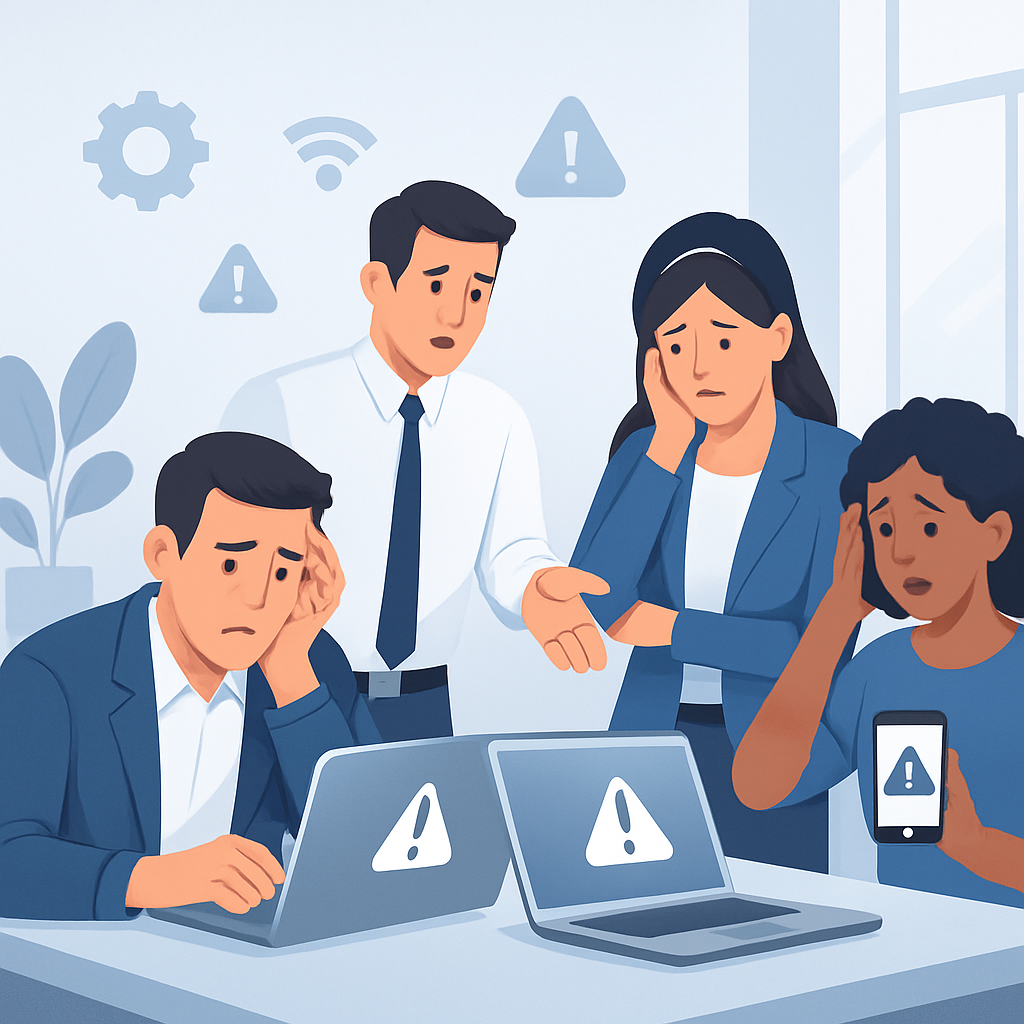
When one employee’s computer is slow, it may seem like a minor inconvenience. But when several systems are freezing, crashing, disconnecting, or taking too long to load, the impact adds up quickly.
Slow technology can affect:
Employee productivity and morale
Customer response times
Scheduling, billing, and order processing
File access and collaboration
Security and data protection
The challenge for many small businesses is that computer issues often build gradually. A workstation gets slower over time. A network becomes less reliable. Software updates are delayed. Employees create workarounds instead of reporting problems. Eventually, your business is spending too much time fighting technology instead of using it.
Common Computer Problems That Slow Down Small Businesses
Small businesses often deal with the same recurring technology issues. Some are caused by aging equipment, while others come from poor maintenance, security risks, or systems that were never properly set up for business use.
Slow Startup and Poor Performance
One of the most common complaints is a computer that takes too long to start or struggles to run basic programs. Employees may wait several minutes just to log in, open email, launch business software, or access shared files.
Common causes include:
Too many startup programs
Low memory or aging hardware
Outdated operating systems
Unnecessary background processes
Failing hard drives
Malware or unwanted software
Slow computers can make even simple tasks feel frustrating. In many cases, performance can be improved with cleanup, upgrades, software maintenance, or hardware replacement when needed.
Frequent Freezing, Crashing, or Error Messages
A computer that freezes during the workday can interrupt important tasks, cause lost work, and create unnecessary stress. Repeated crashes or error messages are often signs that something deeper is wrong.
These issues may be related to:
Corrupted software
Driver conflicts
Hardware failure
Overheating
Operating system problems
Insufficient system resources
Ignoring frequent crashes can make the problem worse. A professional diagnosis can help determine whether the issue is software-related, hardware-related, or a warning sign of a larger failure.
Network and Wi-Fi Problems
Reliable internet and network access are essential for modern small businesses. When employees cannot connect to Wi-Fi, access shared files, use cloud applications, print, or communicate with customers, productivity suffers immediately.
Network issues may include:
Weak Wi-Fi signals
Slow internet speeds
Dropped connections
Router or modem problems
Poor cabling
Misconfigured equipment
Overloaded networks
Small businesses often grow faster than their original network setup. What worked for a few devices may not support a full office of computers, phones, printers, security cameras, and cloud-based tools. A properly configured network can make daily operations much smoother.
Printer and Peripheral Issues
Printers, scanners, monitors, keyboards, docking stations, and other devices are easy to overlook until they stop working. Printer problems are especially common in small business environments and can interrupt invoicing, shipping, forms, contracts, and other daily workflows.
Common peripheral problems include:
Printers disappearing from the network
Scanner software not connecting
Driver issues after updates
Paper jams and print queue errors
Docking station failures
Display connection problems
While these problems may seem small, they often consume valuable time. Proper setup, driver maintenance, and reliable equipment choices can reduce repeat issues.
Outdated Software and Operating Systems
Old software can slow down computers, create compatibility problems, and expose your business to security risks. When updates are ignored or systems are running outdated versions of Windows, business applications, or security tools, problems can appear across multiple devices.
Outdated systems can cause:
Slow application performance
Software crashes
Security vulnerabilities
Incompatibility with newer tools
Problems opening files
Reduced support from vendors
Keeping systems current is not just about having the latest features. It helps maintain stability, security, and compatibility with the tools your business depends on.
Virus, Malware, and Security Problems
Malware and unwanted software can severely slow down computers while putting business data at risk. Employees may notice pop-ups, browser redirects, strange programs, locked files, or unusual system behavior.
Security problems can come from:
Phishing emails
Unsafe downloads
Weak passwords
Expired antivirus protection
Unpatched software
Compromised websites
Lack of employee awareness
For small businesses, security issues are more than technical problems. They can affect customer trust, business continuity, and sensitive information. Regular security checks, reliable protection, and safe technology practices help reduce risk.
File Storage and Backup Problems
Many small businesses rely on local files, shared folders, external drives, or cloud storage to keep operations running. When files are difficult to find, slow to open, accidentally deleted, or not properly backed up, the business is vulnerable to delays and data loss.
Common storage and backup issues include:
Full hard drives
Disorganized file systems
Slow shared folders
Failed external drives
No reliable backup plan
Syncing problems with cloud storage
Employees saving files in multiple locations
A strong backup and storage setup helps protect important documents, customer records, accounting files, and business data. It also makes it easier for employees to access what they need when they need it.
How Preventive Computer Maintenance Helps
Many computer problems can be reduced or avoided with regular maintenance. Instead of waiting for systems to fail, small businesses benefit from a proactive approach that keeps devices updated, protected, and performing properly.
Preventive maintenance may include:
System updates and patching
Performance cleanup
Security scans
Hardware health checks
Backup verification
Network review
Software troubleshooting
Replacement planning for aging equipment
Proactive support helps identify problems before they interrupt your workday. It also gives your business a clearer picture of which systems are still reliable and which ones may need repair or replacement.
When to Repair, Upgrade, or Replace a Computer
Not every slow computer needs to be replaced. In many cases, a system can be repaired or upgraded to extend its useful life. However, there are times when replacement is the smarter choice, especially if the device is unreliable, unsupported, or too limited for current business needs.
A repair or upgrade may be appropriate when:
The computer is only a few years old
The issue is caused by software
Memory or storage can be improved
The device is otherwise reliable
The cost of repair is reasonable
Replacement may make more sense when:
The computer is very old
Repairs are becoming frequent
The system cannot run current software
Hardware is failing
Performance still lags after maintenance
The device creates security or productivity risks
Your Expert Tech can help evaluate your equipment and recommend practical options based on your business needs, budget, and workflow.
Frequently Asked Questions
Why are our office computers getting slower over time?
Computers often slow down because of accumulated software, limited memory, aging hardware, full storage drives, outdated systems, or malware. A professional tune-up can help identify the cause and determine whether repair, cleanup, or an upgrade is needed.
Can slow computers be fixed without replacing them?
Yes, many slow computers can be improved with software cleanup, memory upgrades, storage upgrades, malware removal, or operating system maintenance. However, if the computer is too old or unreliable, replacement may be the better long-term option.
How often should a small business service its computers?
Most small businesses benefit from regular technology maintenance throughout the year. The right schedule depends on the number of devices, how heavily they are used, and how critical they are to daily operations.
What is the biggest technology mistake small businesses make?
One of the biggest mistakes is waiting until something breaks before getting help. Proactive maintenance, security updates, and backup planning can help prevent many disruptive problems.
Do small businesses need professional IT support?
Professional IT support can be extremely helpful for small businesses that rely on computers, networks, printers, cloud tools, and secure data access. Even occasional support can reduce downtime and help keep systems running more smoothly.
Keep Your Business Technology Running Smoothly
If slow computers, network problems, printer issues, software errors, or security concerns are interrupting your workday, Your Expert Tech is here to help. We provide practical computer repair and technology support for small businesses that need reliable systems without unnecessary confusion. Contact Your Expert Tech today to get your business technology working the way it should.nnRecommended Related Resourcesnn- common computer problems that slow down small businesses: https://www.yourexperttech.net/computer-repair-services-for-small-businesses/n- common computer problems that slow down small businesses: https://www.yourexperttech.net/manhattan-computer-repair/n- common computer problems that slow down small businesses: https://www.yourexperttech.net/remote-tech-support/