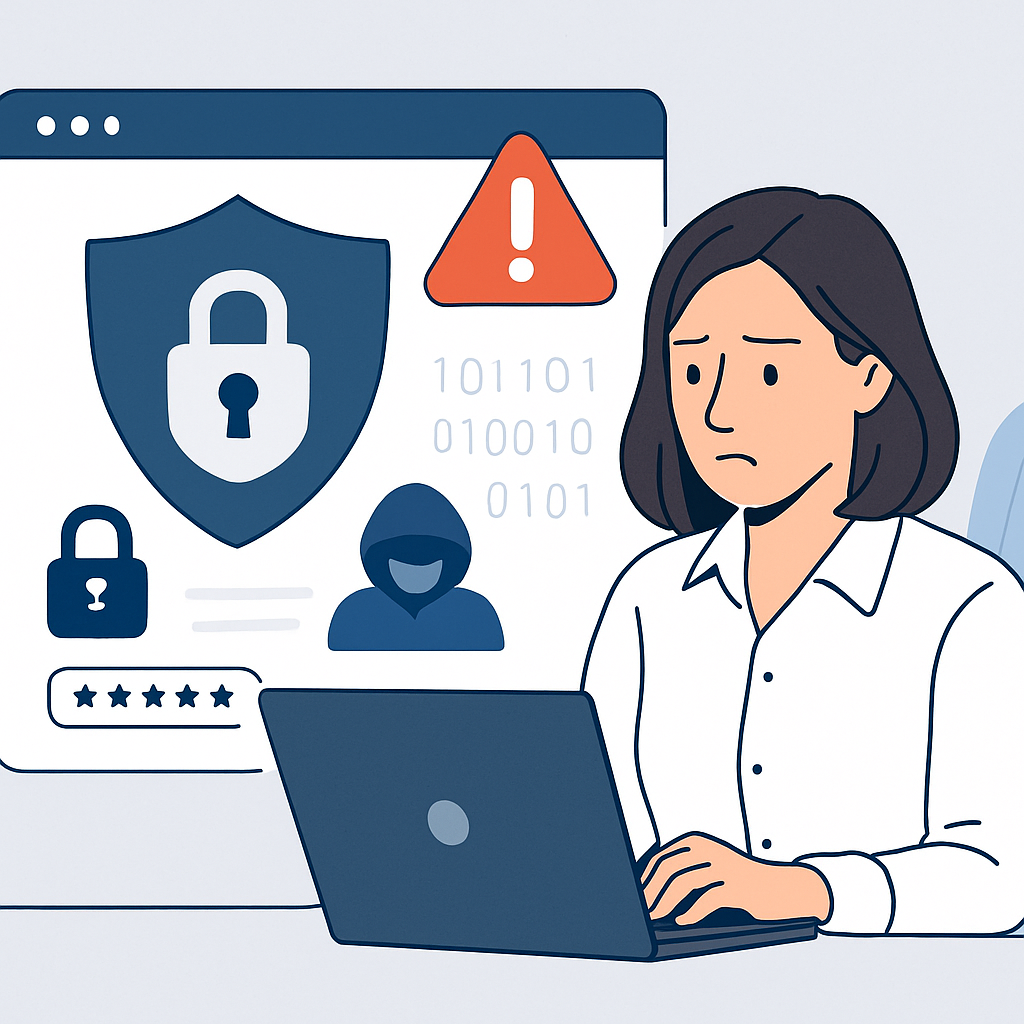
Whether you need help securing workstations, protecting email accounts, managing passwords, monitoring threats, or improving your overall security posture, our team helps you reduce risk without unnecessary complexity.
Protect Your Business Before Cyber Threats Disrupt It
Cybersecurity is no longer optional for small businesses. Phishing emails, ransomware, malware, stolen passwords, business email compromise, and unsecured devices can quickly lead to downtime, data loss, financial damage, and customer trust issues.
Your Expert Tech helps identify vulnerabilities before they become serious problems. We focus on clear, manageable security improvements that strengthen your business without slowing your team down.
Our cybersecurity support can help protect:
Business computers and laptops Email accounts and cloud services Sensitive customer and company data Wi-Fi networks and office infrastructure Remote workers and mobile devices Backups and disaster recovery systems Employee logins and passwords
Cybersecurity Services for Small Businesses
Your Expert Tech delivers cybersecurity solutions built around the needs of small and growing companies. We help you put the right protections in place, maintain them properly, and respond quickly when concerns arise.
Our services may include endpoint protection, antivirus and malware defense, firewall configuration, email security, multi-factor authentication, password management, security updates, backup protection, employee security awareness, and ongoing monitoring.
We do not believe in one-size-fits-all security. Every business has different systems, workflows, compliance concerns, and risk levels. Our approach starts with understanding your environment, then recommending practical security steps that make sense for your operations.
Email, Password, and Account Protection
Email is one of the most common ways cybercriminals target small businesses. A single convincing phishing message can lead to stolen credentials, fraudulent payments, malware infections, or unauthorized access to sensitive information.
Your Expert Tech helps strengthen your email and account security with layered protections such as spam filtering, phishing defense, secure password practices, and multi-factor authentication. We can also help review account access, remove unnecessary permissions, and improve login security across your business tools.
These steps make it harder for attackers to compromise your accounts and easier for your team to recognize suspicious activity.
Device and Network Security
Every computer, laptop, server, router, and connected device on your network can become a potential entry point for cyber threats. Keeping these systems protected requires more than installing basic antivirus software.
We help secure your business devices and network with proper configuration, patch management, malware protection, firewall support, secure Wi-Fi settings, and regular reviews of your environment. If your employees work remotely or use personal devices for business tasks, we can help create safer access methods that reduce exposure.
The goal is to build a stronger security foundation across the technology your business depends on every day.
Backup Protection and Recovery Planning
A strong cybersecurity plan includes reliable backups. If ransomware, accidental deletion, hardware failure, or data corruption affects your business, a well-managed backup and recovery strategy can make a major difference.
Your Expert Tech helps small businesses implement backup solutions that are secure, consistent, and easier to restore when needed. We can review your current backup process, identify gaps, and help ensure critical files and systems are protected.
Backups are not just a convenience. They are an essential part of business continuity and cyber resilience.
Security Support Without the Confusion
Many small business owners know cybersecurity is important but are unsure where to begin. Technical jargon, complicated tools, and constant threat reports can make security feel overwhelming.
Your Expert Tech makes cybersecurity easier to understand and manage. We explain risks clearly, prioritize the most important improvements, and provide ongoing support so you are not left trying to handle security alone.
Our approach is practical, professional, and focused on helping your business operate with greater confidence.
Why Small Businesses Choose Your Expert Tech
Your Expert Tech works with businesses that need dependable technology support and straightforward security guidance. We understand that small businesses need protection that is effective, affordable, and aligned with day-to-day operations.
When you work with us, you get a technology partner who can help you strengthen security, troubleshoot issues, support your users, and plan for future needs. We focus on building long-term relationships by providing responsive service and practical recommendations.
Frequently Asked Questions
What are cybersecurity services for small businesses?
Cybersecurity services for small businesses include tools, support, and strategies that protect business systems, data, users, and networks from digital threats. This can include antivirus protection, email security, password protection, firewalls, backups, security updates, employee training, and ongoing monitoring.
Does my small business really need cybersecurity?
Yes. Small businesses are frequently targeted because attackers know they may have limited security resources. Even a small incident can disrupt operations, expose sensitive information, or create costly recovery challenges.
Can you help if we already have antivirus software?
Yes. Antivirus software is only one part of cybersecurity. We can review your current protection, identify gaps, and help strengthen your overall security with additional safeguards such as email protection, multi-factor authentication, backup planning, and network security.
Do you help with ransomware protection?
Yes. We can help reduce ransomware risk through layered security, including endpoint protection, secure backups, software updates, user awareness, and access controls. While no provider can guarantee complete prevention, strong preparation can greatly improve your ability to defend and recover.
Can you support remote employees?
Yes. We can help secure remote work setups with safer login practices, device protection, cloud account security, secure access tools, and guidance for employees working outside the office.
How do we get started?
Getting started begins with a conversation about your current technology, security concerns, and business needs. From there, Your Expert Tech can review your environment and recommend practical next steps.
Strengthen Your Small Business Cybersecurity
Your business depends on reliable technology, secure data, and protected systems. Your Expert Tech is here to help you reduce cyber risk with professional cybersecurity services for small businesses that are clear, practical, and built around your needs.
Contact Your Expert Tech today to discuss your cybersecurity concerns and take the next step toward stronger protection for your business.