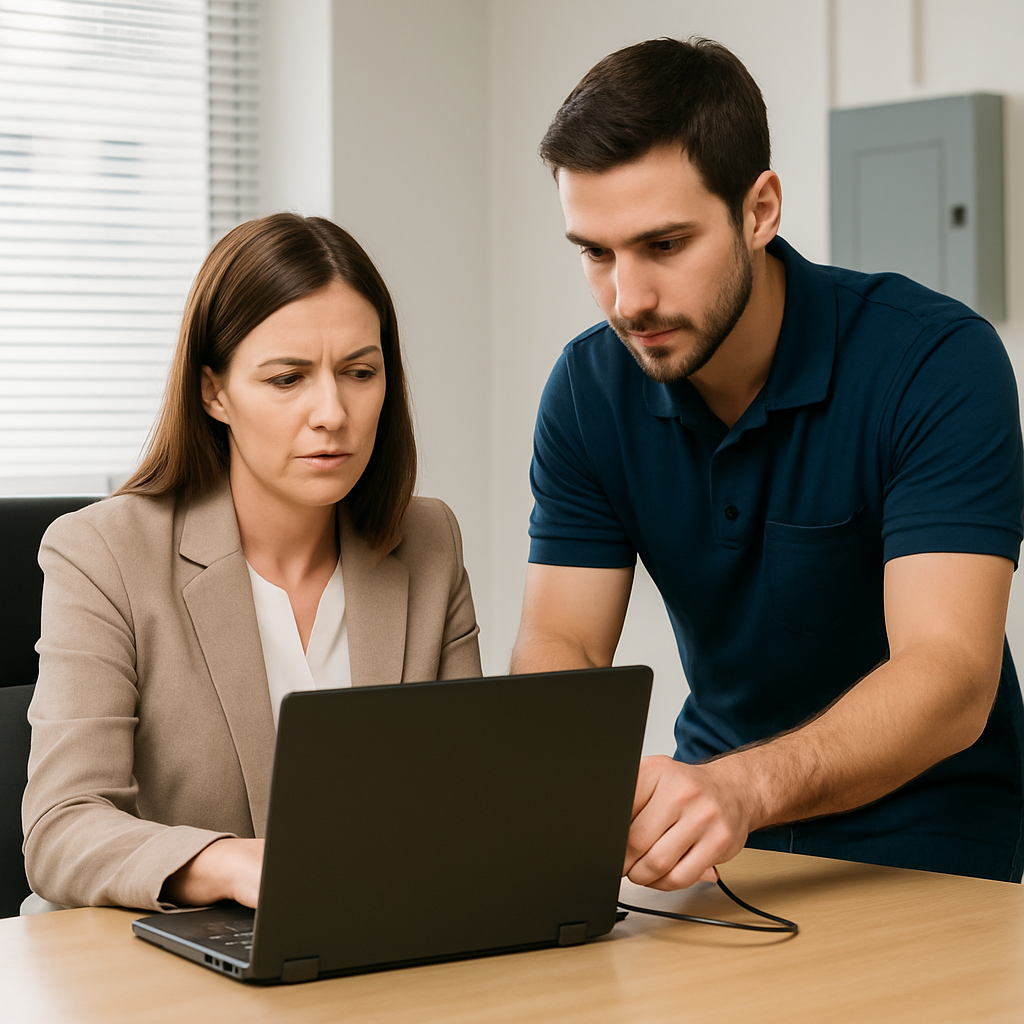
For property management teams, laptop support is not just about fixing a broken device. It is about protecting sensitive information, reducing downtime, improving staff productivity, and making sure your technology supports the pace of your business.
Why Laptop Support Matters for Property Managers
Property management work often happens across offices, apartment communities, job sites, and remote locations. Laptops make that flexibility possible, but they also introduce risks if they are not properly managed.
A laptop used by a property manager may contain or access tenant records, lease documents, payment information, inspection photos, vendor agreements, owner communications, and internal business files. If that device is lost, infected, poorly configured, or running outdated software, the impact can be serious.
Professional business laptop support helps property managers address issues before they become larger problems. It keeps devices updated, improves performance, strengthens security, and gives staff a reliable place to turn when something goes wrong.
Common Laptop Problems in Property Management
Property managers and leasing teams often deal with recurring laptop issues that interrupt the workday. These may include slow startup times, freezing applications, unreliable Wi-Fi, printer connection problems, email sync errors, battery failure, broken screens, and software compatibility problems.
Many teams also struggle with inconsistent setups. One employee may have the right apps installed and configured, while another may be missing important tools or using outdated software. Over time, these small inconsistencies can create confusion, slow response times, and increase support requests.
A structured support approach helps standardize laptops across your team. That means employees can access the tools they need, follow consistent security practices, and receive faster help when problems occur.
Business Laptop Support Guide for Security and Data Protection
Security is one of the most important parts of business laptop support. Property managers handle information that should not be exposed, including tenant contact details, financial records, background screening documents, lease agreements, and business communications.
Strong laptop security starts with basic protections such as password requirements, automatic screen locking, antivirus or endpoint protection, system updates, and encrypted storage. It also includes secure access to business email, cloud storage, property management software, and shared files.
For teams with remote or hybrid workers, security becomes even more important. Laptops may connect from home networks, coffee shops, leasing offices, or public Wi-Fi. Without proper safeguards, these connections can increase the risk of unauthorized access.
A business IT support provider can help property management companies implement practical protections such as multi-factor authentication, secure backups, device encryption, remote monitoring, and access controls. If a laptop is lost or stolen, the ability to lock or wipe the device remotely can help protect sensitive business data.
Keeping Property Management Software Running Smoothly
Modern property management depends on software. Your team may use platforms for leasing, maintenance, accounting, inspections, document signing, marketing, rent collection, and communication. If a laptop is not properly maintained, these systems may load slowly, crash, or fail to connect.
Business laptop support helps make sure devices are compatible with the tools your team uses most. This includes keeping operating systems updated, maintaining browsers, resolving application errors, and checking that hardware meets current software requirements.
Support is especially helpful when onboarding new employees. A properly prepared laptop can include business email, property management software access, printer connections, security settings, cloud file access, and any required communication tools. This helps new staff start work with fewer delays and fewer technical frustrations.
Backup and Recovery Planning for Laptops
Laptop failures can happen without warning. A hard drive can fail, a device can be dropped, malware can corrupt files, or a laptop can be stolen from a vehicle or office. Without a reliable backup strategy, important files may be difficult or impossible to recover.
Property managers should avoid storing critical business files only on a local laptop. Important documents should be saved in approved cloud storage, secured shared drives, or managed backup systems. This makes it easier to recover files and continue working if a device fails.
A good laptop support plan includes regular backup checks, clear recovery procedures, and guidance on where staff should store business documents. The goal is to reduce disruption and help your team get back to work as quickly as possible after a device issue.
When to Repair, Replace, or Upgrade a Business Laptop
Not every laptop problem requires a replacement. In many cases, performance can be improved by removing unnecessary software, resolving startup issues, replacing a battery, upgrading memory, or installing a faster drive. However, there comes a point when an aging laptop costs more in lost productivity and repeated repairs than it is worth.
Property management companies should evaluate laptops based on age, performance, reliability, security compatibility, and employee needs. If a laptop can no longer run required software efficiently or receive important security updates, replacement may be the smarter option.
Business laptop support can help you make practical decisions. Instead of guessing whether to repair or replace a device, your team can receive guidance based on the condition of the laptop, the role of the employee, and the demands of your business applications.
Remote Support for Busy Property Management Teams
Property managers do not always have time to bring a laptop into a shop or wait days for help. Remote support can resolve many issues quickly, including software errors, email problems, printer setup, slow performance, browser issues, and security alerts.
With secure remote access, a technician can troubleshoot many laptop problems while the employee remains at the office, at home, or on site at a property. This is especially useful for teams spread across multiple locations.
For hardware problems, support may still require in-person service or replacement planning. However, remote troubleshooting can often identify the issue faster and help determine the best next step.
What to Look for in a Business Laptop Support Provider
A good support provider should understand that property management teams need fast, practical, and secure technology help. The right partner should be able to support laptops, business email, cloud tools, security software, printers, networks, and common business applications.
Look for support that includes clear communication, responsive service, proactive maintenance, and security-focused recommendations. Your provider should also help document device setups, manage updates, assist with employee onboarding and offboarding, and recommend improvements as your business grows.
The best support relationship is not only reactive. It should help prevent problems, improve consistency, and give your staff confidence that technical issues will be handled professionally.
Frequently Asked Questions
How often should business laptops be replaced?
Many business laptops are replaced every three to five years, depending on performance, reliability, warranty status, and software requirements. Some devices may last longer with upgrades, while others may need replacement sooner if they are slowing down daily work or can no longer support security updates.
Do property managers need antivirus protection on laptops?
Yes. Business laptops should have reliable endpoint protection or antivirus software, along with regular updates, secure passwords, and safe browsing practices. Antivirus alone is not enough, but it is an important part of a broader security plan.
Can laptop support help with email and printer problems?
Yes. Many common laptop support requests involve email configuration, Microsoft 365 or Google Workspace access, printer connections, scanner setup, and software troubleshooting. These issues can often be resolved remotely.
What should happen when an employee leaves the company?
When an employee leaves, their laptop and account access should be reviewed immediately. Business accounts should be disabled or transferred, files should be secured, passwords should be changed where needed, and the laptop should be wiped or reconfigured before being assigned to someone else.
Is remote laptop support secure?
Remote laptop support can be secure when handled through trusted tools and proper authorization. A reputable provider will use secure remote access software, confirm permission before connecting, and follow professional security practices during support sessions.
Get Reliable Business Laptop Support from Your Expert Tech
Your property management team needs laptops that work reliably, protect sensitive information, and support the fast pace of daily operations. Your Expert Tech provides practical business laptop support for companies that need responsive help, stronger security, and dependable technology guidance.
If laptop problems are slowing down your property management team, Your Expert Tech is ready to help you keep your devices secure, updated, and working the way your business needs them to.nnRecommended Related Resourcesnn- business laptop support guide: https://www.yourexperttech.net/remote-tech-support/n- business laptop support guide: https://www.yourexperttech.net/computer-repair-services-for-small-businesses-6/n- business laptop support guide: https://www.yourexperttech.net/same-day-computer-repair-for-business-offices-5/